
 aiscopelist
AI Video Tutorials & Practical Guides
Hand-picked YouTube walkthroughs for the AI tools listed on Aiscopelist, from coding assistants to video, voice and research apps.

Cursor 3.0 Full Course for Beginners: From Setup to Shipping Code
Tech With Tim · 227K views · Jul 29, 2026
ElevenLabs Tutorial for Beginners: AI Voiceovers, Cloning and Dubbing
Kevin Stratvert · 99K views · Jul 21, 2026
NotebookLM 2.0 Tutorial: Research, Business Ideas and Study Tools
Tina Huang · 129K views · Jul 7, 2026
VEED Full Guide: Make and Edit AI Videos in Your Browser
MiladiCode · 3.8K views · Jun 12, 2026
Wordtune Review and Tutorial: Rewrite Text That Sounds Natural
ZAFFAI · 12K views · May 8, 2026
HeyGen Tutorial: Create an AI Avatar and Your First Video
Kevin Stratvert · 78K views · Apr 29, 2026
Fireflies AI Product Demo: Meeting Notes, Search and Integrations
Fireflies AI · 27K views · Apr 6, 2026
PixVerse V5.6 Tutorial: Multi-Shot AI Videos With Sound
Dan - Smart Tutorials · 46K views · Mar 13, 2026
Perplexity Computer for Beginners: Research, Dashboards and Apps
Teacher's Tech · 200K views · Mar 4, 2026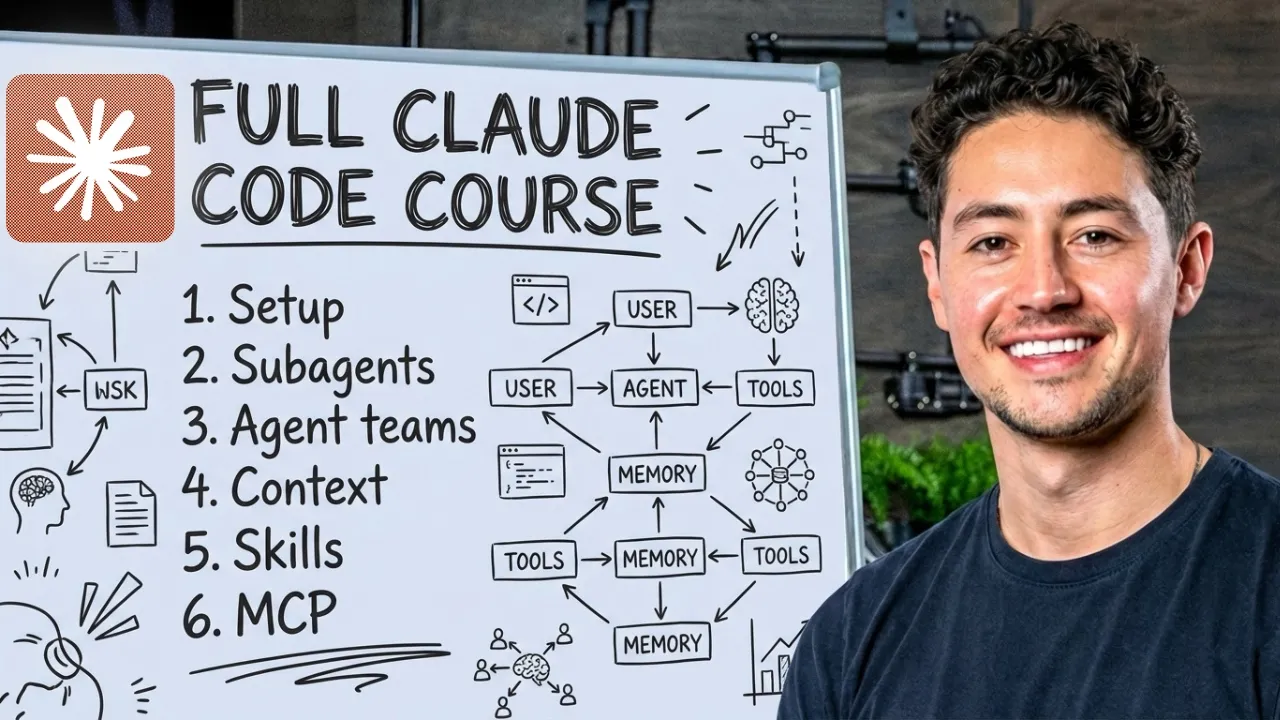
Claude Code Full Course (4 Hours): Build and Sell With AI
Nick Saraev · 3M views · Feb 12, 2026
CapCut Beginner to Pro Tutorial: Edit Your First Video on PC
Matt Loui · 756K views · Feb 11, 2026
ChatGPT Tutorial for Beginners: Build an App With AI
Mikey No Code · 82K views · Jan 27, 2026
Master Lovable in 24 Minutes: Build and Publish a Web App
Lovable · 216K views · Dec 29, 2025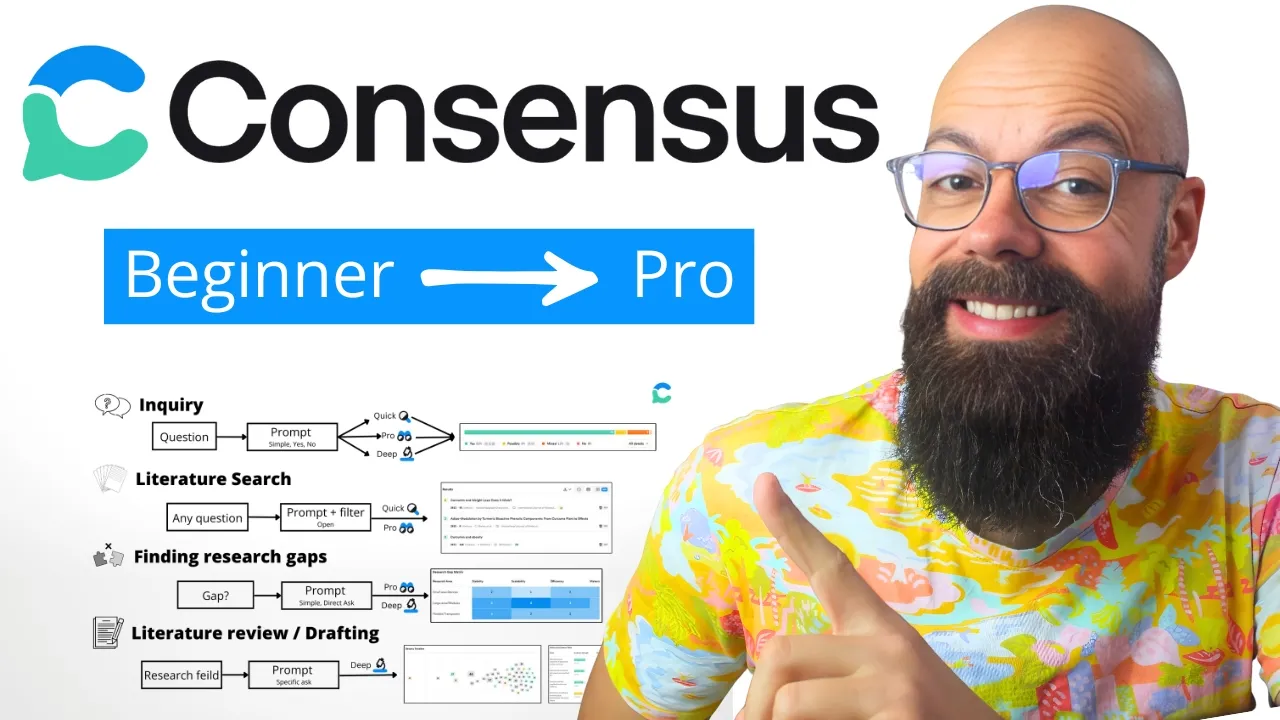
Consensus AI Step by Step: Faster Evidence-Based Research
Andy Stapleton · 81K views · Dec 9, 2025About these tutorials
Free video lessons, picked by tool
Each tutorial on this page is a free YouTube video made by an independent creator and linked to a tool in the directory. Open one to watch it on its own page. The channel name is shown on every card, because the creator made the lesson and deserves the credit.
The lessons teach a full task from start to finish, such as building an app with ChatGPT or a long course on Claude Code, so you come away able to do the job, not just knowing a tool exists.
How to learn from a video tutorial
- Watch once without touching anything. Get the shape of the task first. Long courses show chapters in the YouTube player, so you can come back to one part later.
- Then follow along in a second window. Pause after each step and do it yourself. Typing the prompt beats copying it, because you notice what each line does.
- Expect the screens to differ. Tools redesign often. If a button moved, the idea behind the step usually still works.
- Check the price before you start. A video may use a paid plan. The tool's page here shows its current plans and whether a free plan covers the lesson.
Use the tool filter to see every lesson for one tool, and sort by latest or most viewed.
Tutorial questions
Are the tutorials free?
Yes. They are public YouTube videos. Some tools shown in them have paid plans, so check the tool's page before you sign up.
Who makes the videos?
Independent YouTube creators. The channel is named on every tutorial, and the video stays theirs.
Can I suggest a tutorial?
Yes. Send the link through the contact page and say which tool it teaches.