
 aiscopelist
AI Prompt Library
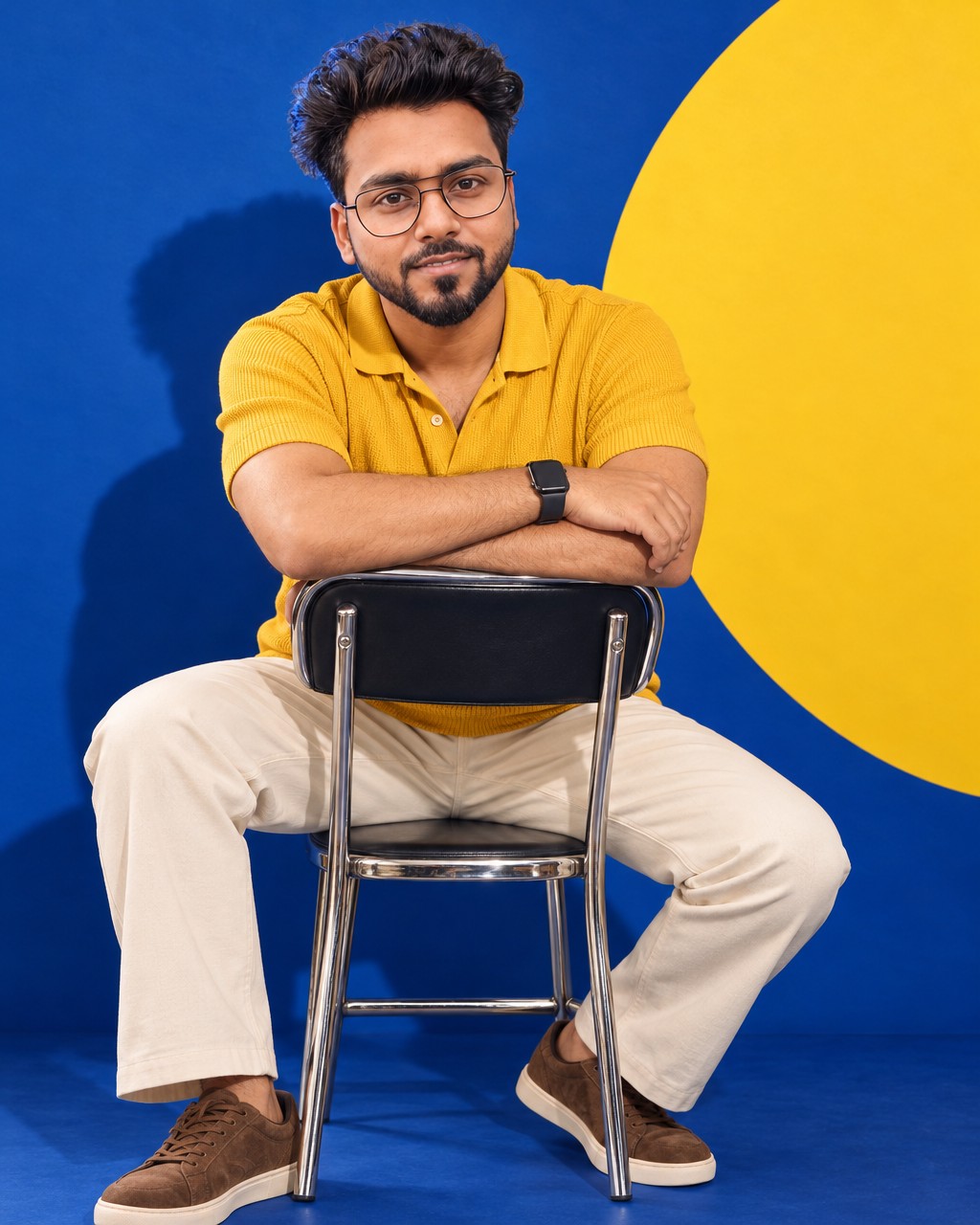

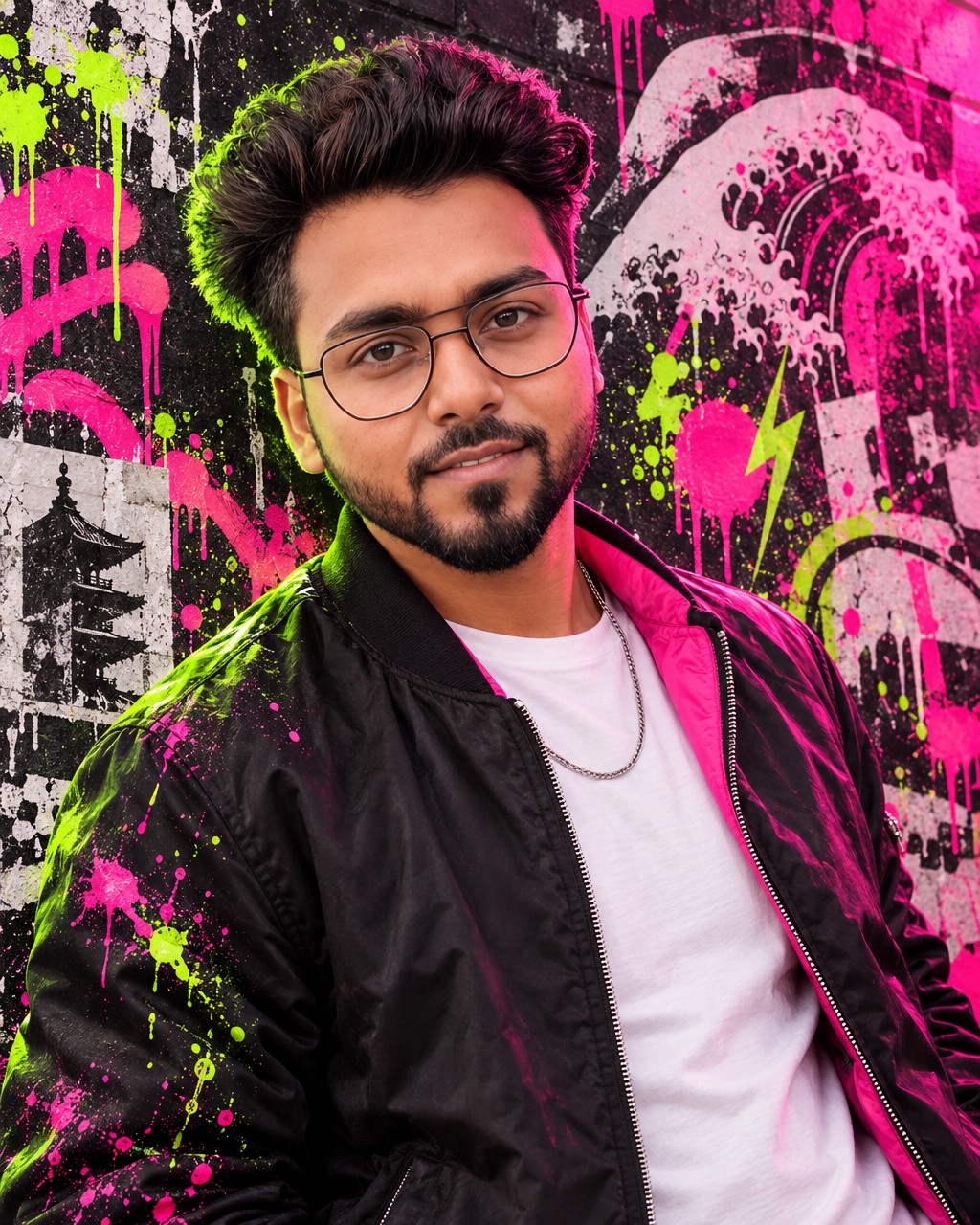
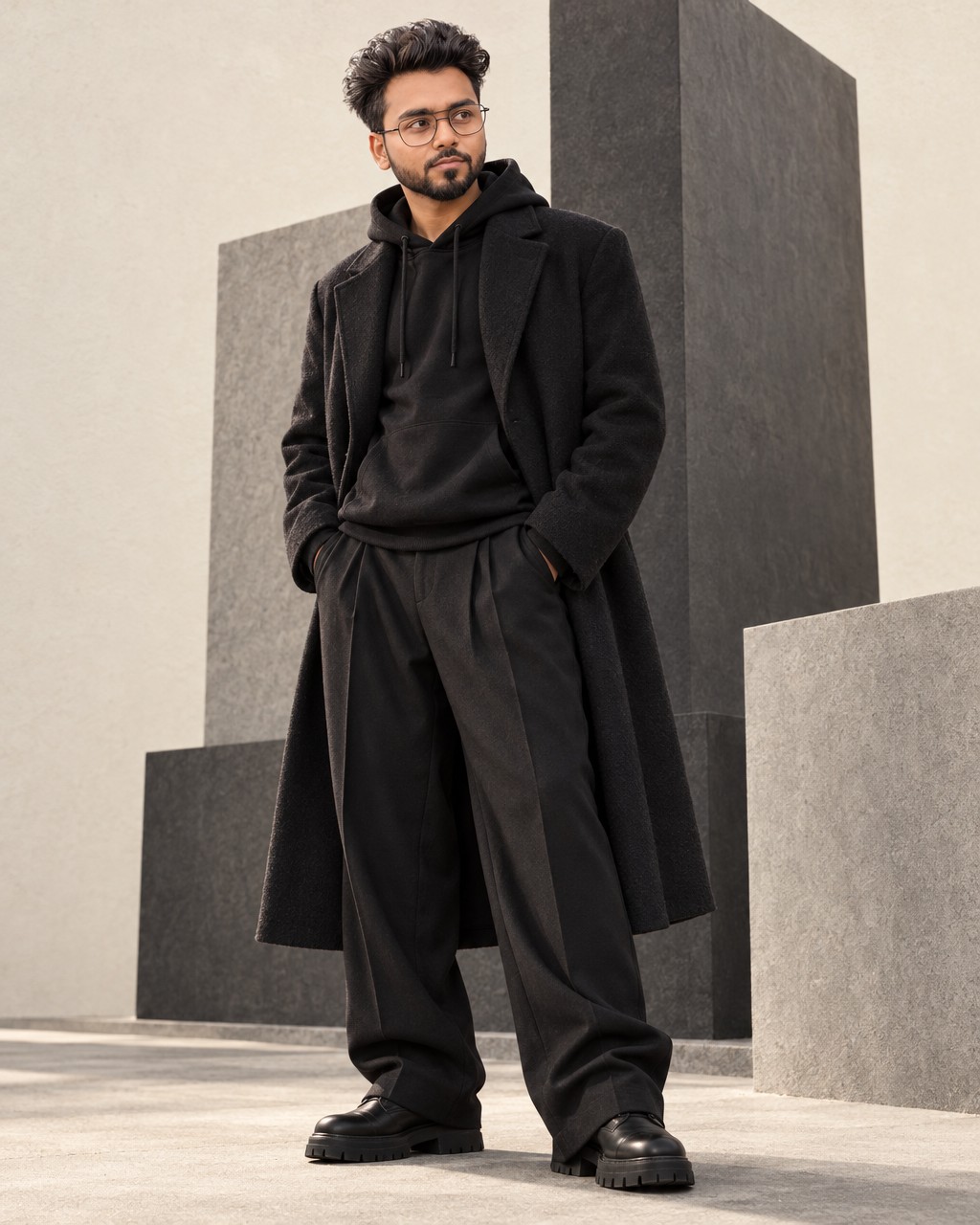
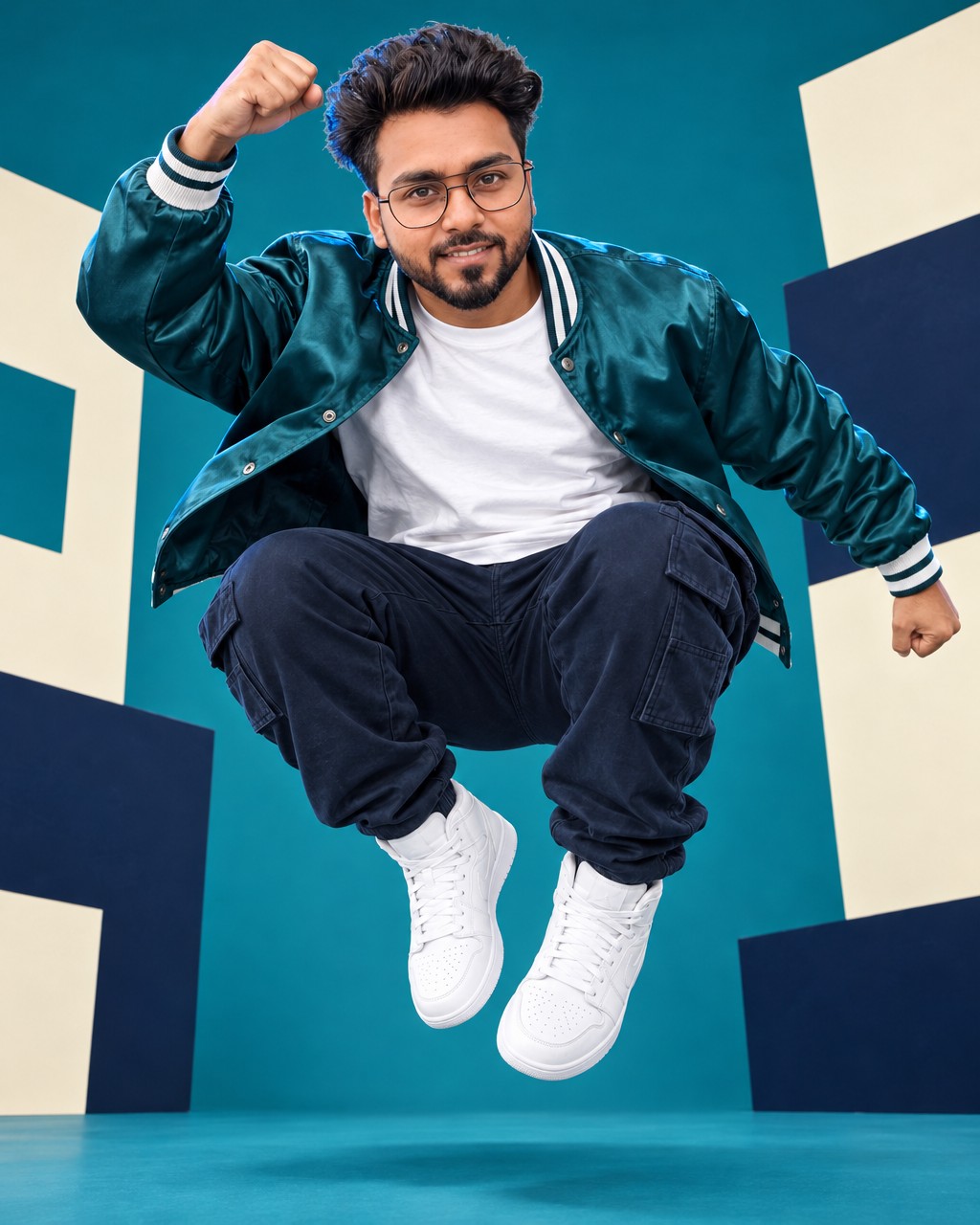
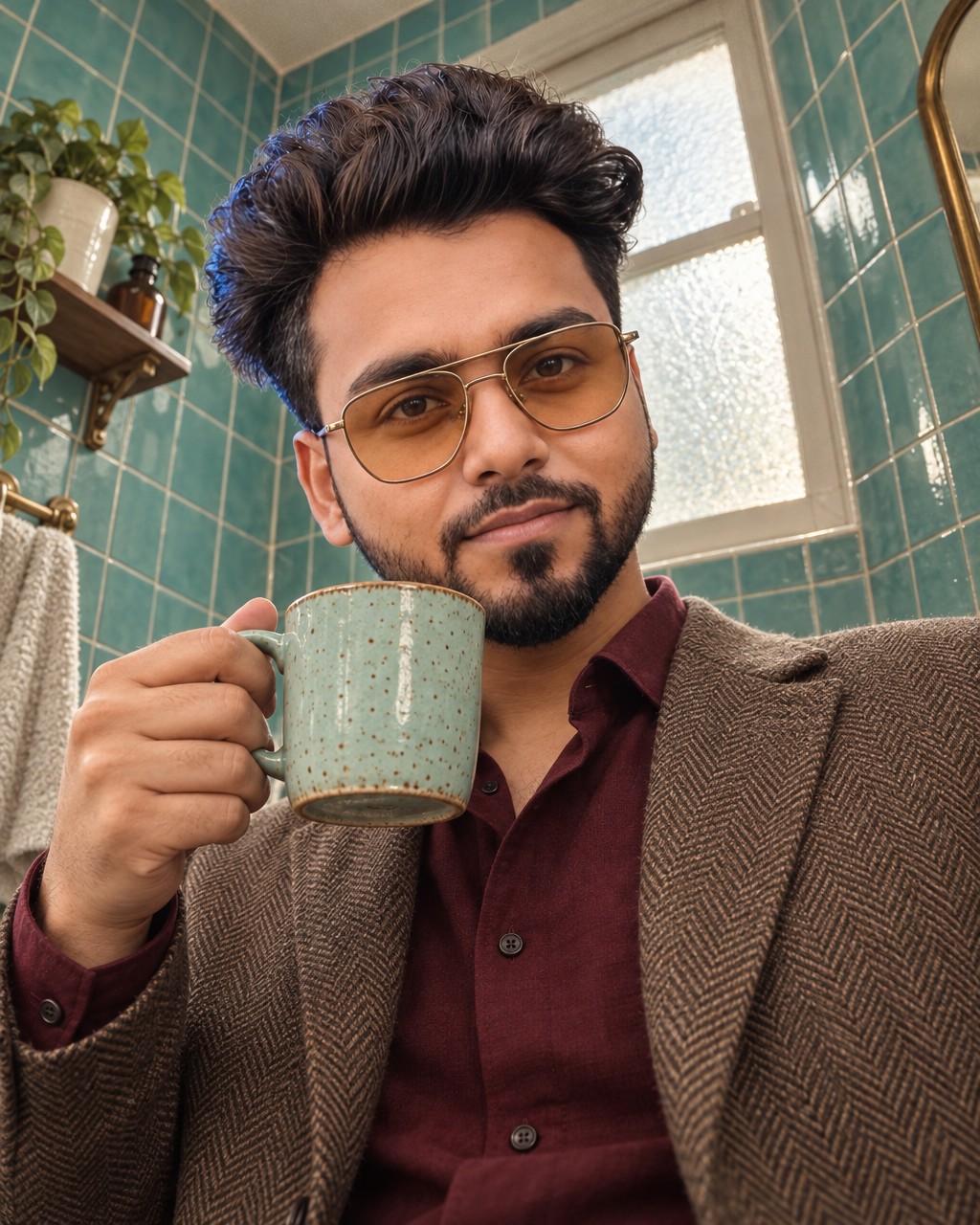
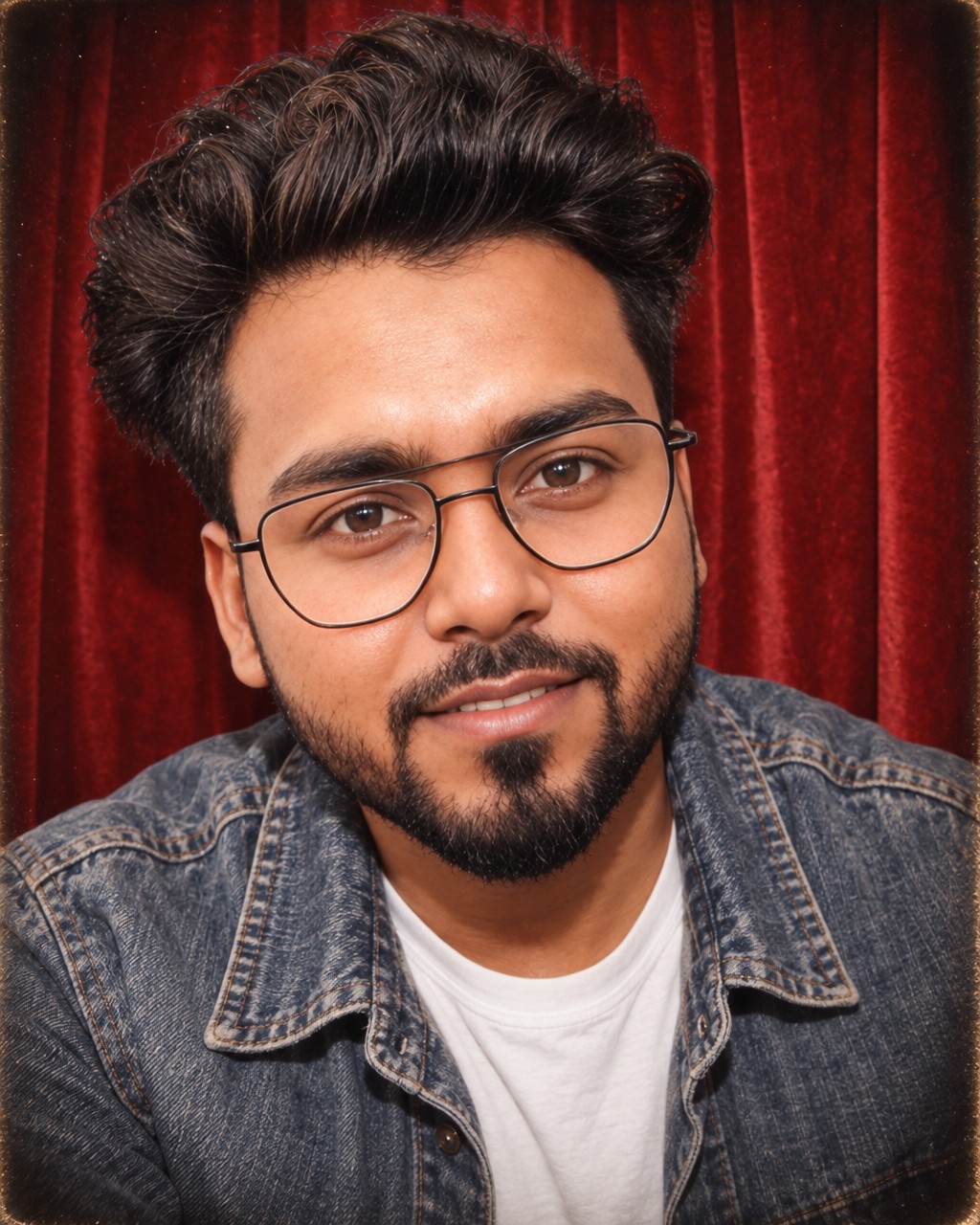
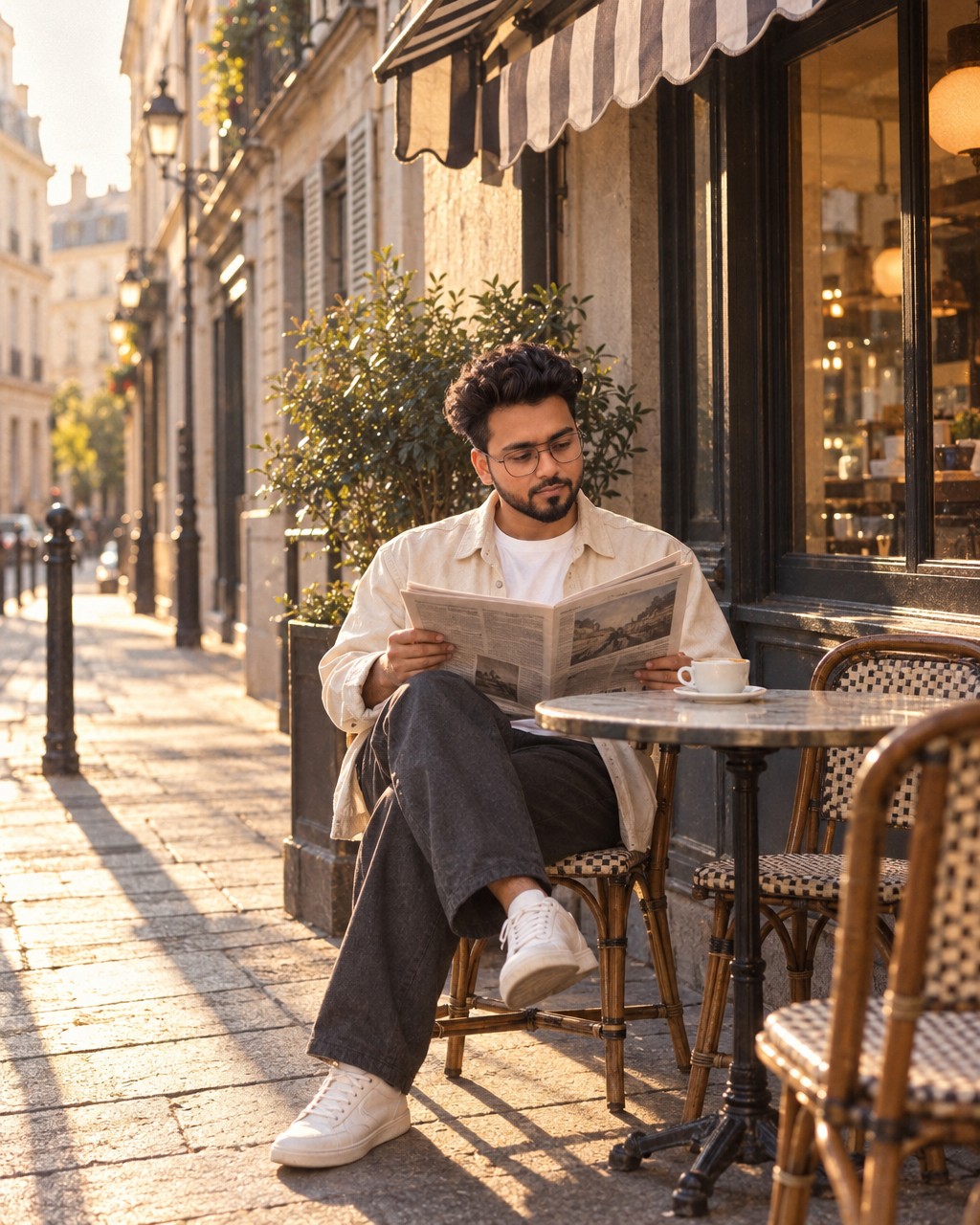
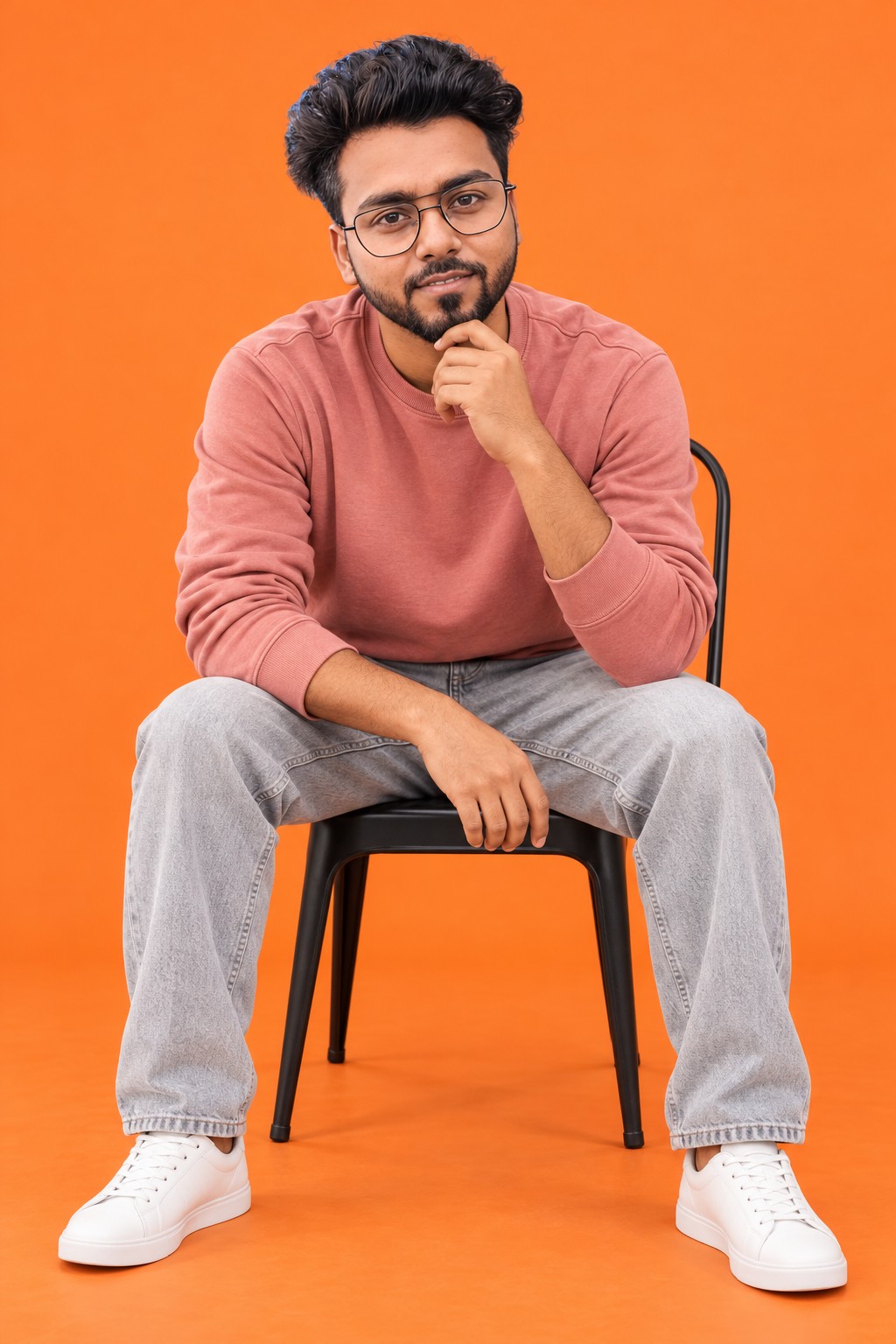



Using the prompt library
How to use these image prompts
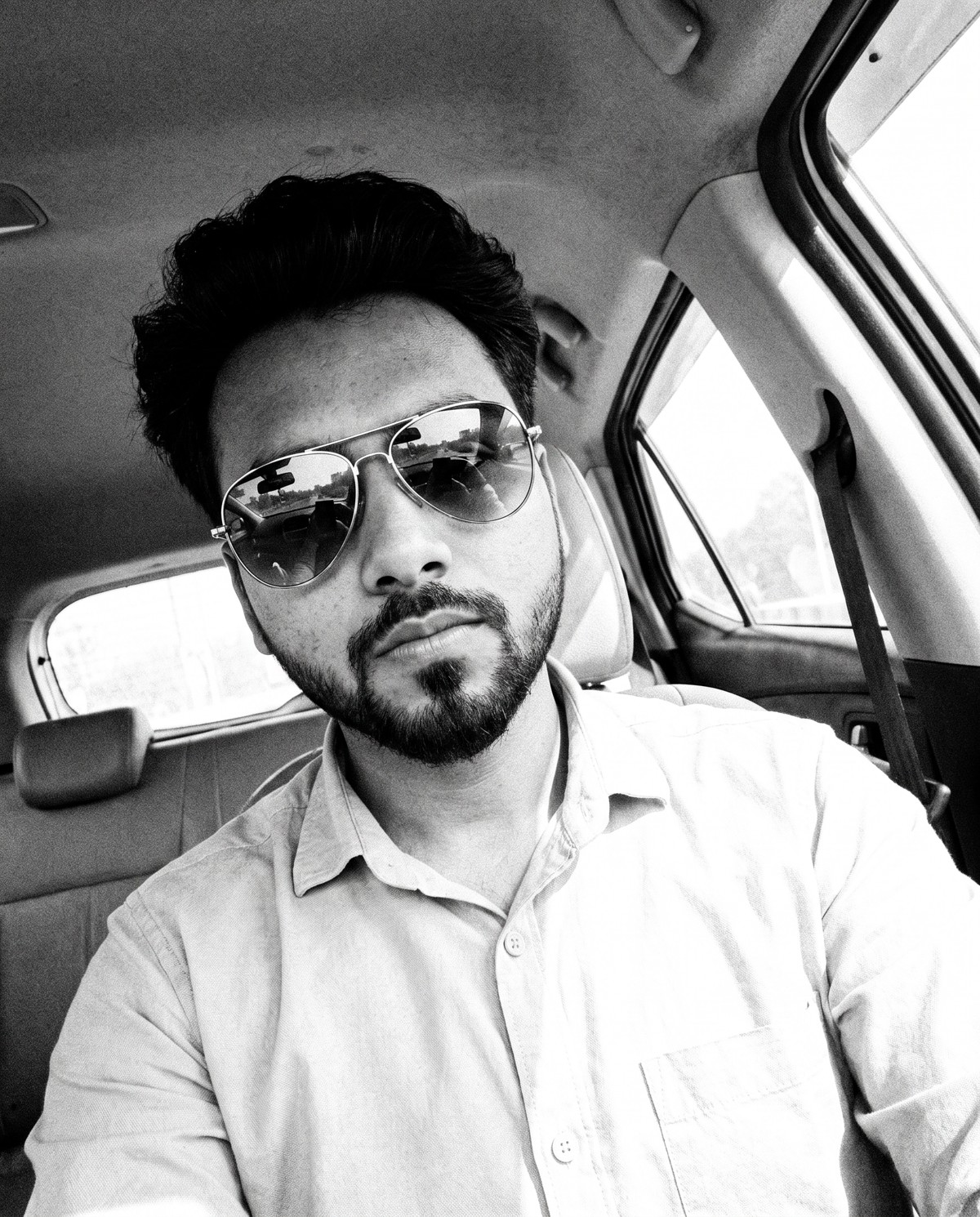
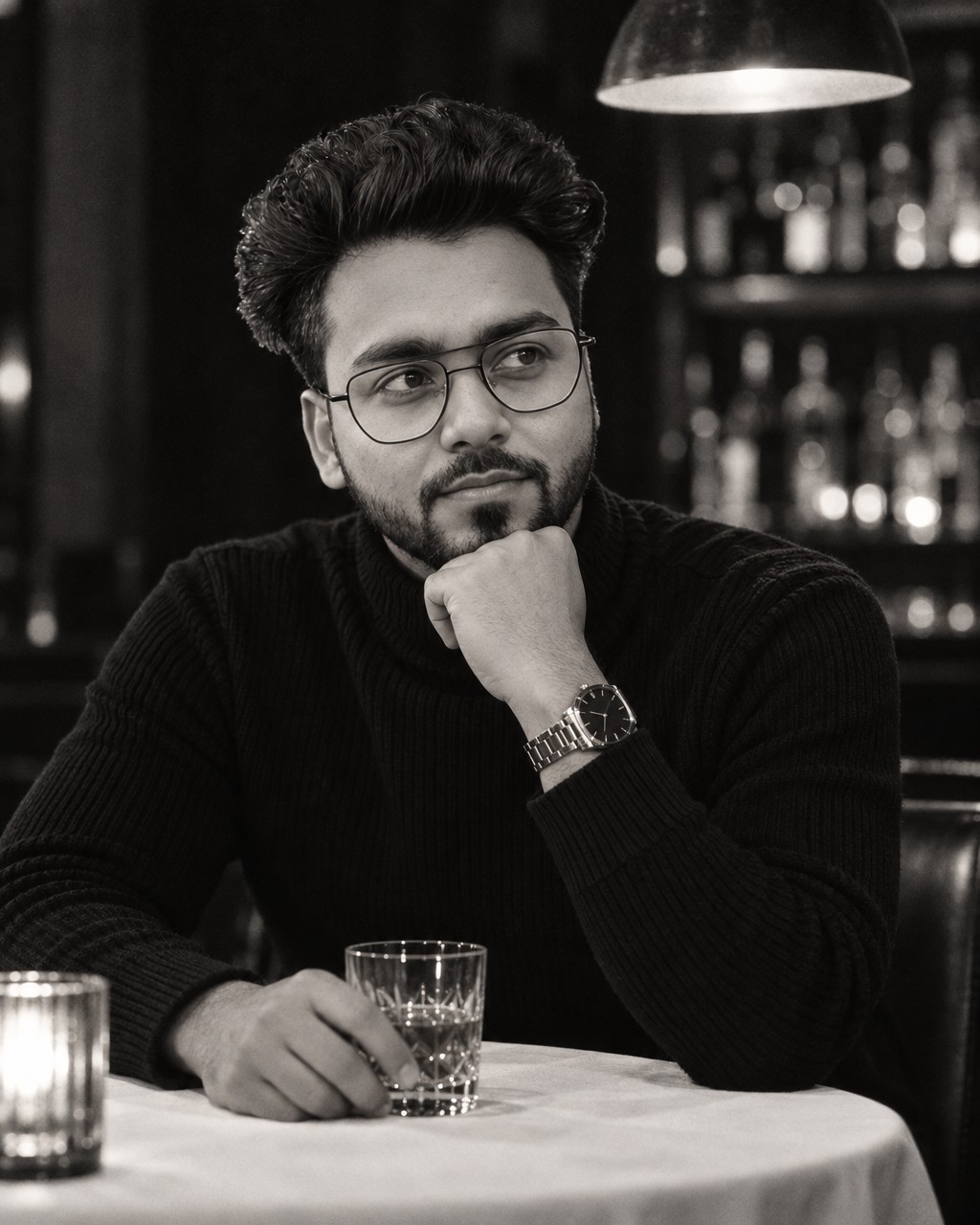
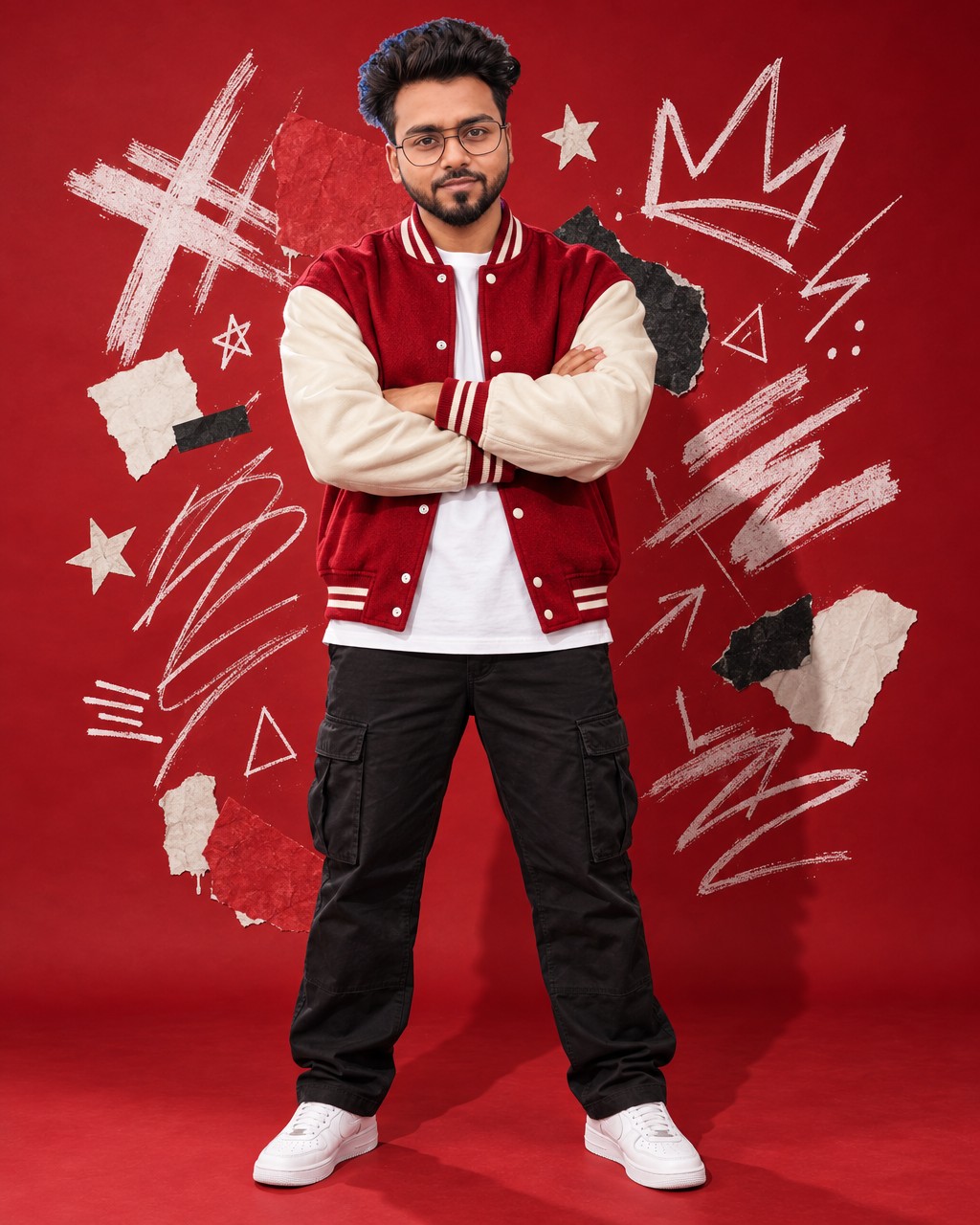
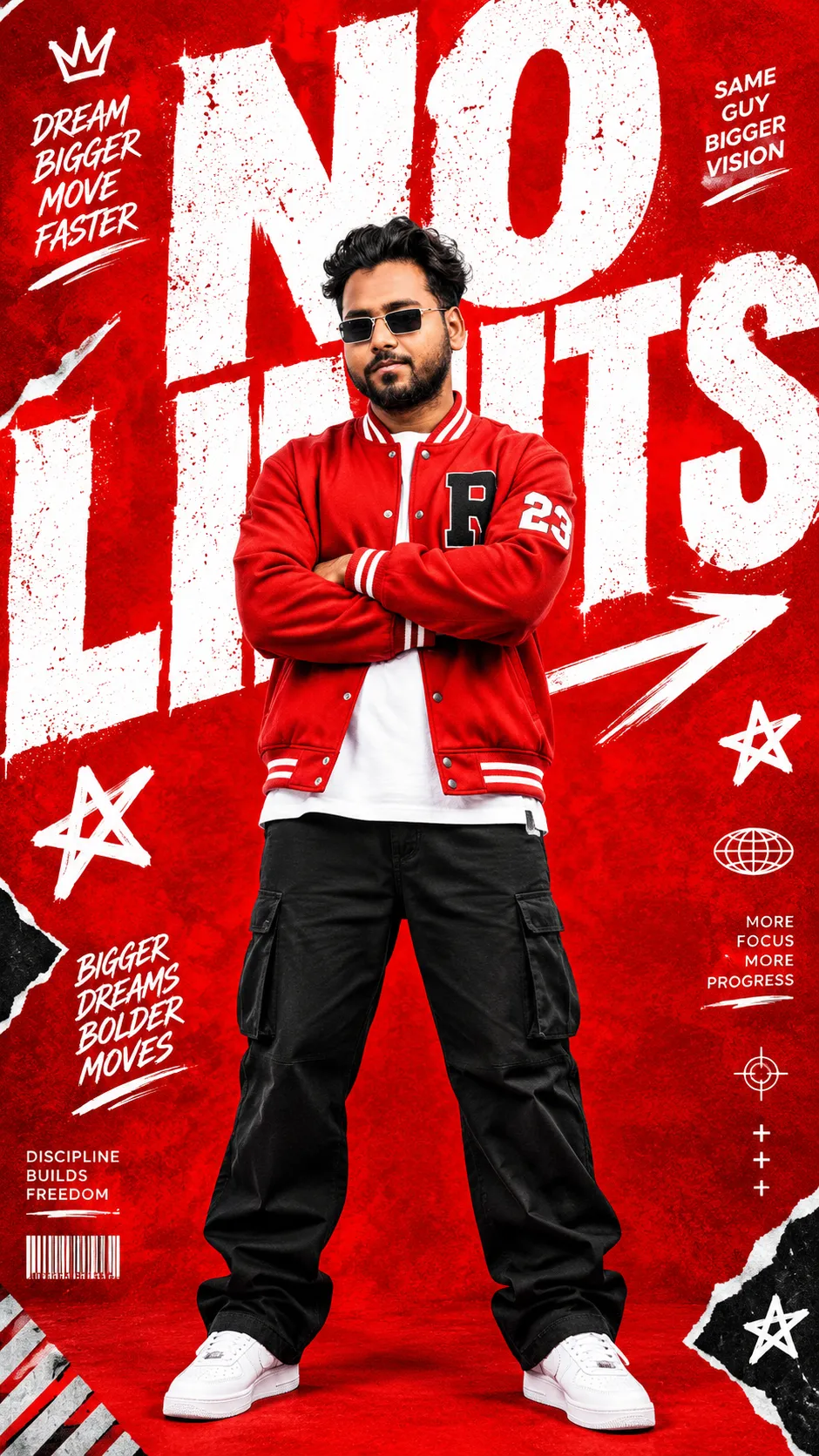
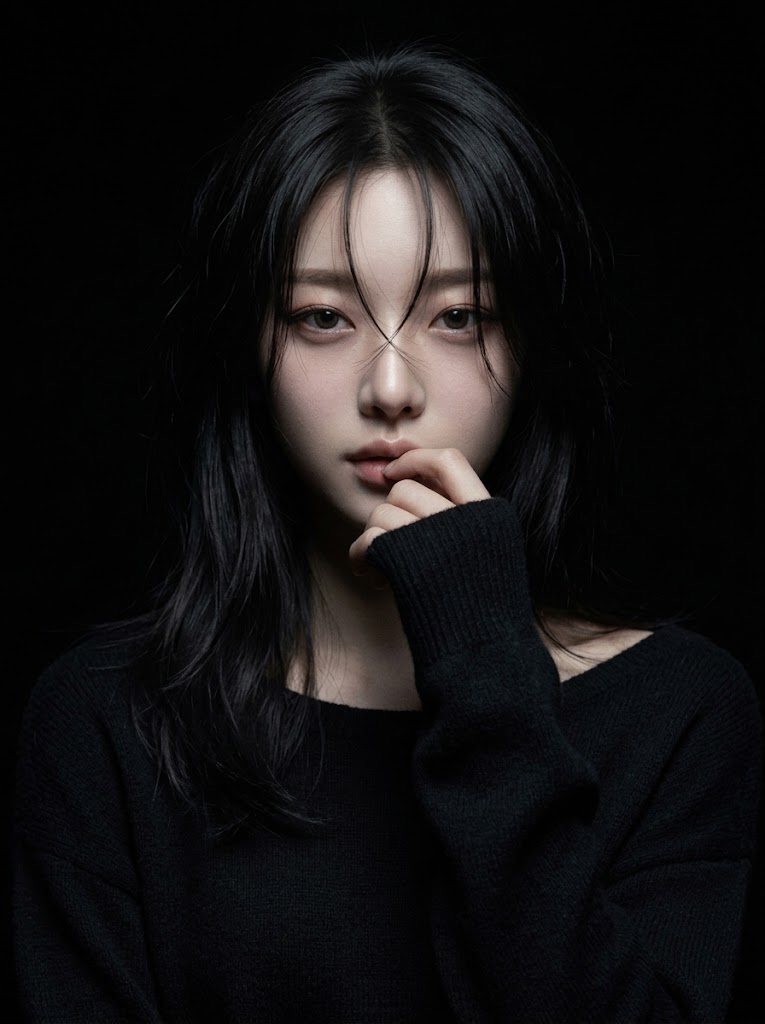
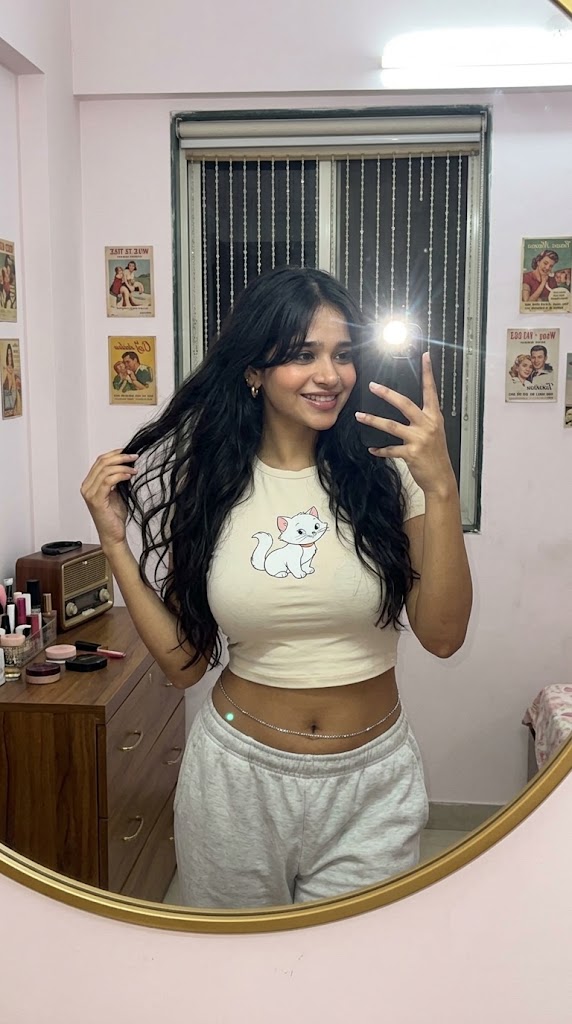
Every picture above was made from a prompt in this library, newest first. Tap an image to see the full prompt text, then copy it, download it as a text file, or save it for later. The engine the prompt was written for, such as GPT Image or Nano Banana, sits above the prompt.
A prompt is a starting point, not a magic phrase. You'll get the closest match by running it in the same engine and changing only the parts that describe your subject.
From copy to your own picture
Pick a style you like
Use the chips to narrow the wall to portraits, streetwear and fashion, photo remasters, video or code prompts. The search box checks prompt names, descriptions and the prompt text itself, so a word like "neon" or "studio" works.
Open the full prompt
Read it once before you copy it. Most prompts describe the light, the camera, the clothes and the background in separate lines, so you can see what to change.
Swap in your details
Change the subject, colors or setting and leave the camera and lighting lines alone. Those lines do most of the work.
Add your photo if the prompt asks
Some prompts, like the portraits built around a real face, are written to be used with a photo you attach in the image tool. If the prompt mentions a reference photo, add yours, or you'll get a stranger in the same style.
Why your result looks different
- Different engine. A prompt tuned for one model reads differently in another. Try the engine named on the prompt first.
- Aspect ratio. Set the same shape as the sample, usually portrait. A square frame changes the whole layout.
- One change at a time. If you edit five lines and the result breaks, you won't know which edit did it.
- Run it twice. Image models give a new result each time. Two or three runs is normal before one looks right.
Prompt library questions
Are these prompts free to use?
Yes. Copy them, change them and use them for your own pictures. No account is needed.
Where do saved prompts go?
They're kept in this browser on this device. Clearing your browser data removes them, so download any you want to keep.
Can I use the results in my work?
That depends on the terms of the image tool you run the prompt in, not on this site. Check that tool's usage rules, especially for client or paid work.